Home / Hairstyles / Coral Reef
Coral Reef
Coral pink at the top fading into aqua through the ends, two shades that meet somewhere around the mid lengths.
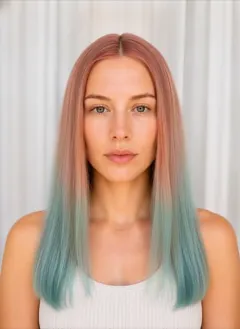
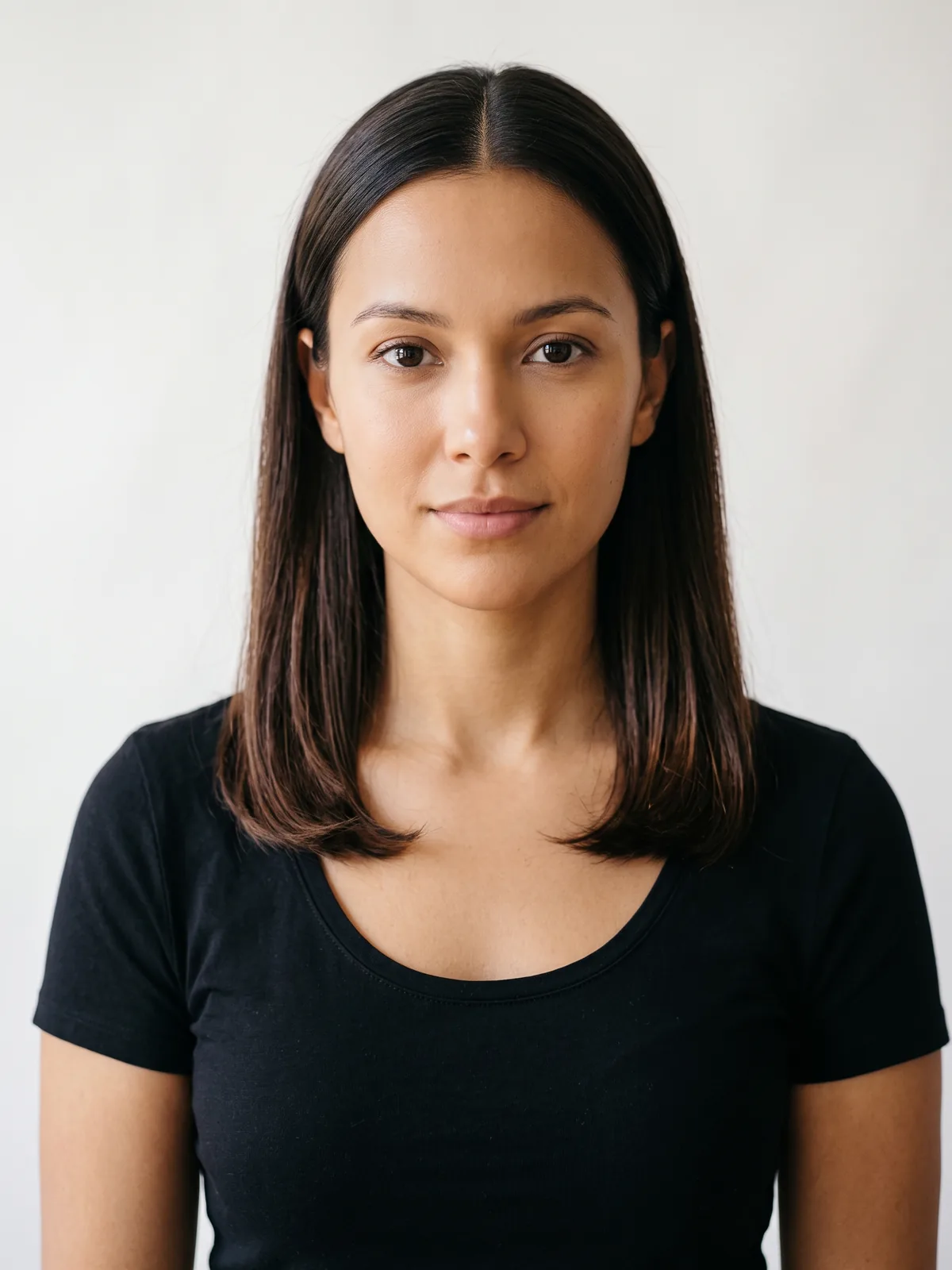 BeforeCoral Reef
This render comes from the same edit instruction HairGlam uses for this look, applied to a studio portrait. In the app the shade lands on your own photo instead.
- 12 free looks in the app
- Your face, not a model's
- Ready in seconds
Free on iPhone and iPad. 12 free looks: 4 haircuts, 4 hair colors and 4 makeup looks, no paywall in between. Or try it free in your browser.
The join is the whole look: where coral meets aqua the overlap turns a muted salmon or a dusty teal depending on how much of each lands there, and a clean blend needs both applied at once. Coral is a warm pastel and aqua is cool, so the hair changes temperature as it falls. Aqua fades to pale mint and coral to a peachy blush at different rates, so it drifts out of balance rather than fading evenly.
- Undertonewarm, cool. It carries both directions at once, warm at the face and cool at the ends, so it works across skin tones as long as the coral half is the part sitting near the jaw.
- Starting pointBoth shades are semi-permanent pigments that only show on pale blonde, so anything darker than a level nine needs bleaching from root to tip.
- UpkeepExpect to re-dye every three to four weeks, refreshing the aqua more often than the coral, and wash sulfate-free because both pigments sit on the surface.
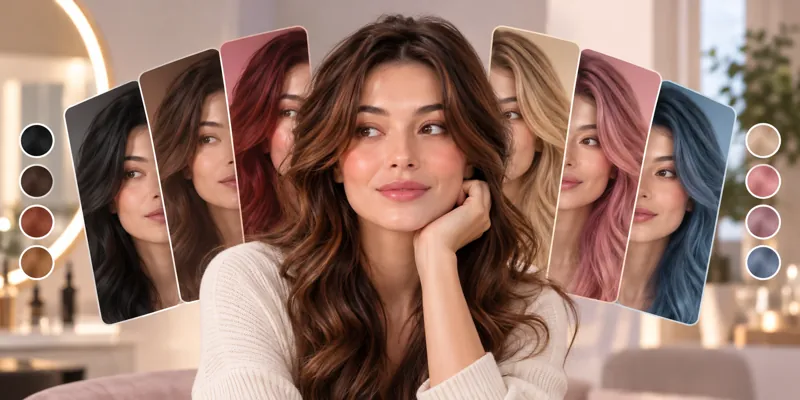
Try Coral Reef on your own photo
- Add one selfie. Front on, even light, hair off your face. No account.
- Tap Coral Reef in Hair Colors, or any of the other 298 looks.
- See it in seconds on your own face, then save it for your stylist.
12 free looks: 4 haircuts, 4 hair colors and 4 makeup looks. No paywall in between, no account.
Questions about Coral Reef
Which skin undertones suit Coral Reef?
What hair do I need to start with for Coral Reef?
How much upkeep does Coral Reef need?
Can I try Coral Reef on my own photo before I dye my hair?
Hair color guides
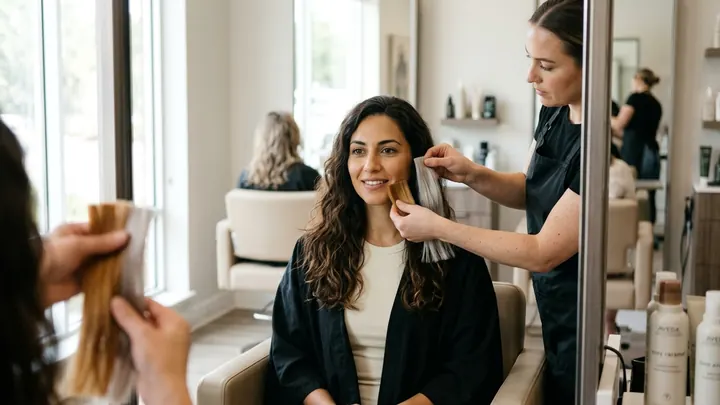
Related shades
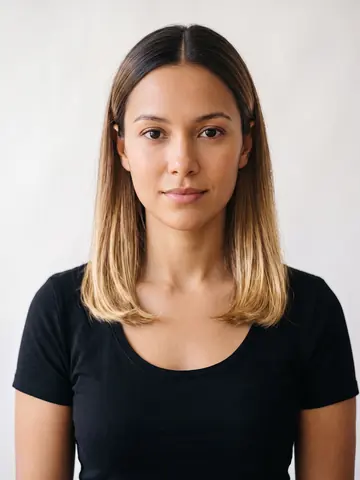 Blonde Ombré
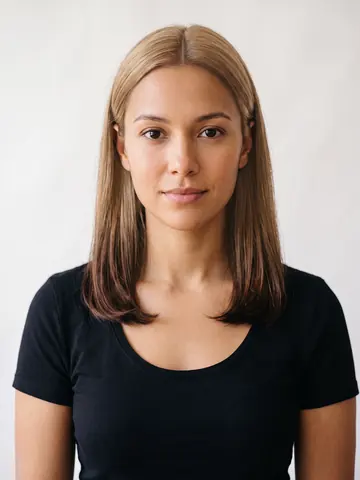 Blonde Reverse Ombré
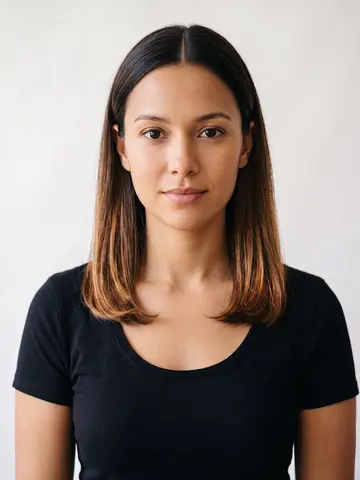 Caramel Ombré
Cuts that carry this shade
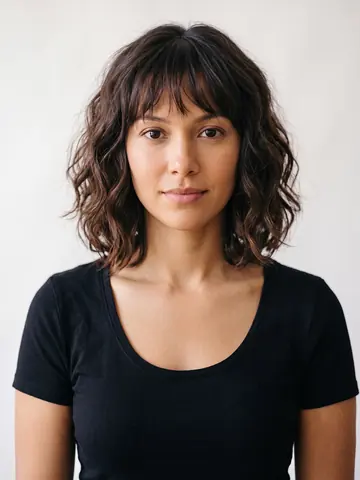 Wavy Bob Bangs
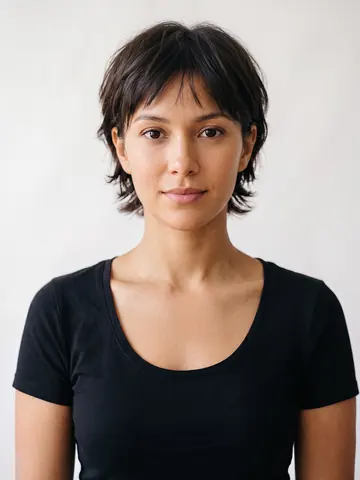 Bixie
Bixie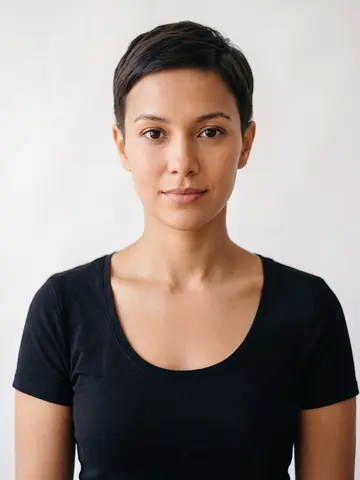 Classic Pixie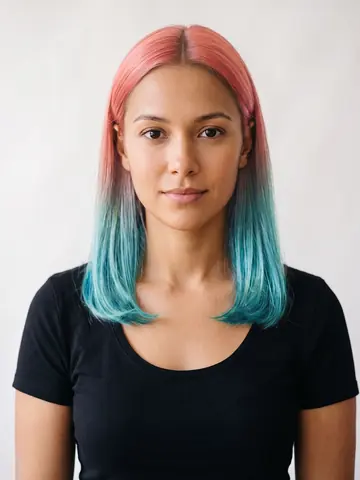
See it on your own face first
Every style in this catalog renders onto a photo of you, so you are judging your own face shape and coloring rather than a model's.

Free to download. iPhone, iOS 15.1 or later.