Home / Try now
Try a new hairstyle, color or makeup on your own photo, free
Upload one selfie, pick a look, and see it on your face in about ten seconds. No signup. 3 free looks a day here; the HairGlam app has all 299.
Free to download. iPhone and iPad, iOS 15.1 or later. Adults only on the web tool.
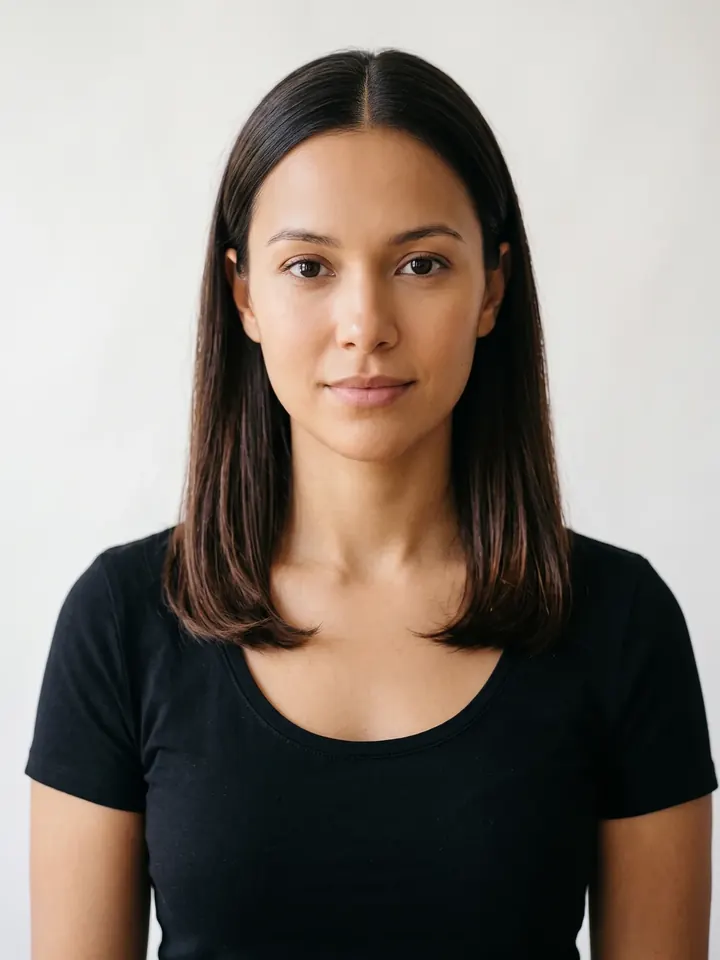
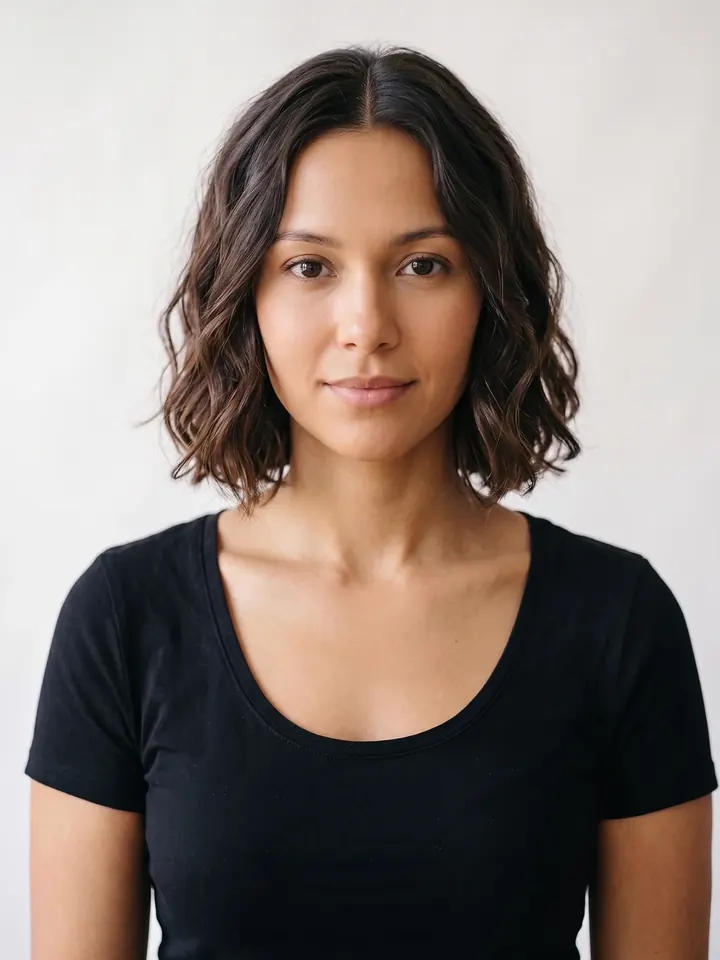 BeforeAfter
We asked for: Give this person a wavy bob with soft tousled S-waves at jaw length, keeping their natural hair colour.
That is the exact instruction the app sends. Drag the handle.
Add your photo
Your photo is downsized in your browser, sent once for the edit, and never stored.
See it on me
Add a photo and pick a FREE look to start. 3 free looks today
Choose one look
FREE runs on your photo here. APP is in the HairGlam app, unlimited and without the watermark.
What the app adds
The site shows you the idea on a few looks. The app is the whole catalog, on your photo, as many times as you like.
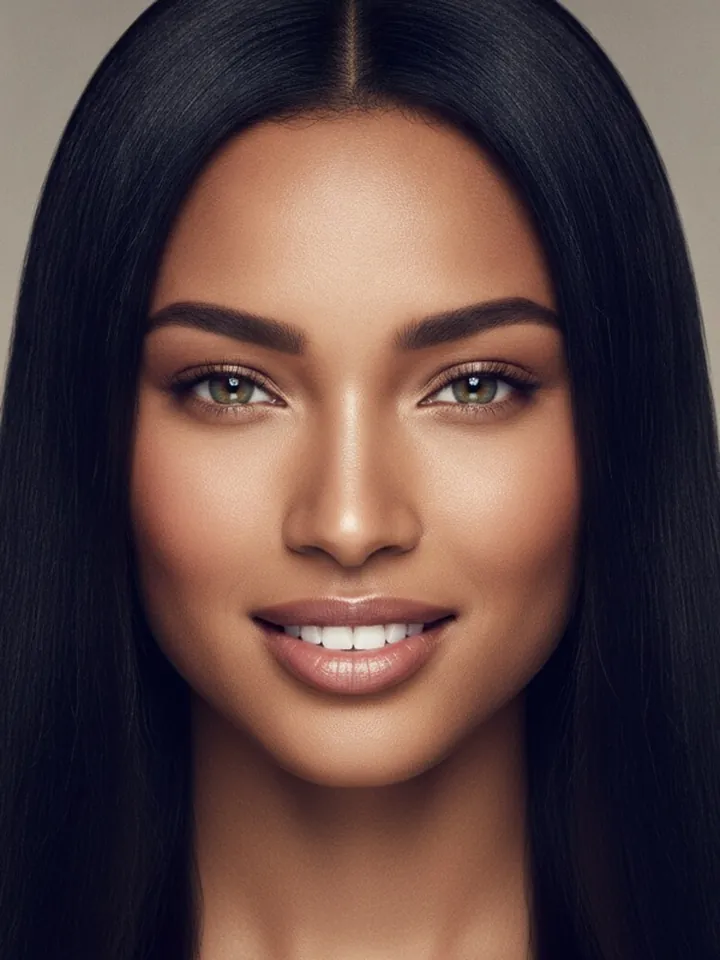 Every hairstyleAll 138 cuts, from a micro bob to a burst fade, each on your own face.
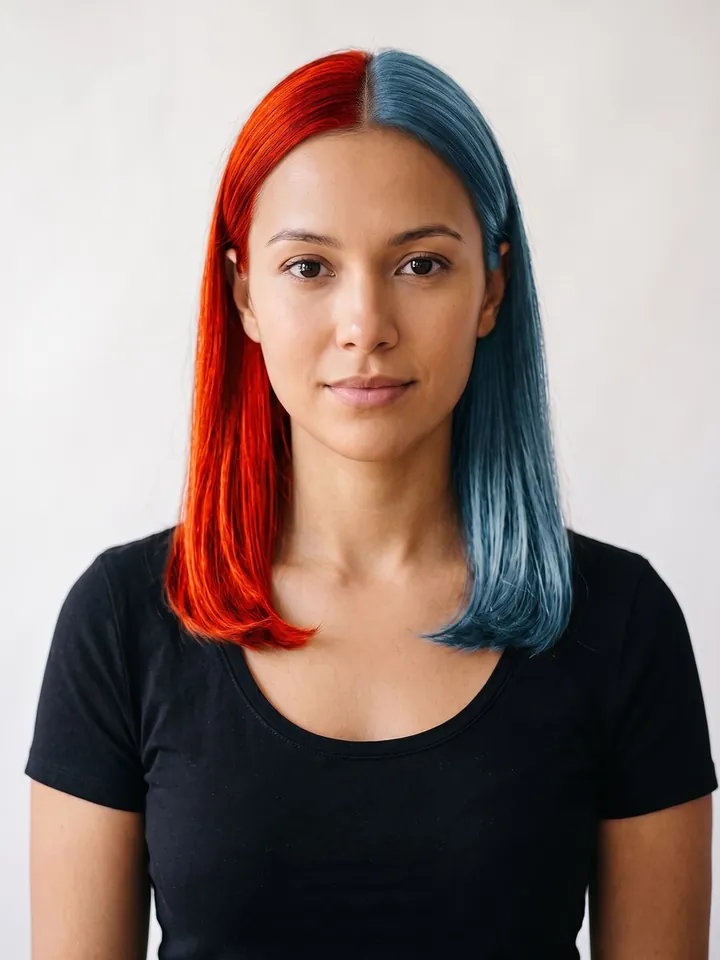 Every hair color125 shades, from ash brown to split dye, against your own skin tone.
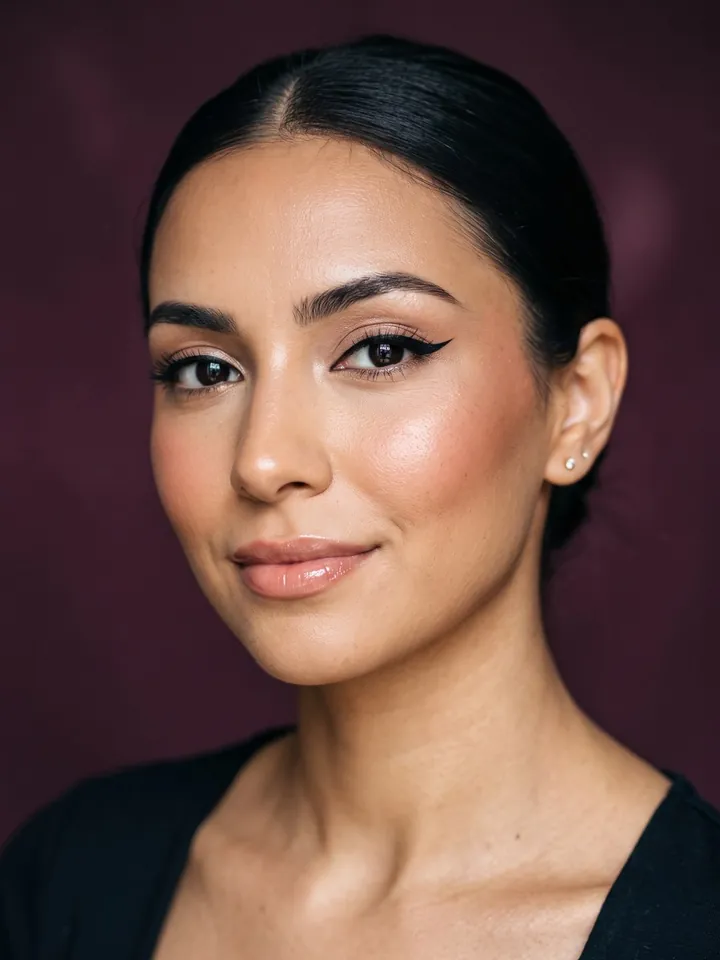 Makeup Studio36 looks, lips, eyes and cheeks, on your face with your hair left alone.

How it works
- Add one photo. Straight on, in daylight, hair visible. Your browser shrinks it to about a thousand pixels and strips the camera data before anything is sent.
- Pick one look. The five FREE tiles run here. Every APP tile opens the same look in HairGlam, with the tile you tapped already chosen.
- See it on you. The edit uses the same instruction the app sends, so what you get here is what the app does, with a small watermark on the free version.
Why try it before the salon
A cut you like on someone else is a cut on their bone structure. The only test that settles whether a bob shortens your neck, whether curtain bangs suit your forehead, or whether copper fights your skin, is the same look on your own face. Ten seconds here can save you a month of growing something out.
Questions about the free try on
Is the try on really free?
How accurate is the result?
What happens to my photo?
Why adults only?
Can I try more than one look?
Can I try a color or makeup look on the site?
Do you have an app?
Available in the HairGlam app
Every style, color and makeup look, unlimited, no watermark. Free to download.
You have used your free looks for today
The app has all 299 looks, unlimited, without the watermark, on the same photo. Free to download.
See it on your own face first
Every style in this catalog renders onto a photo of you, so you are judging your own face shape and coloring rather than a model's.
Free to download. iPhone, iOS 15.1 or later.