Stare at a wall of hair color swatches long enough and you already know why a virtual hair color app is useful. Instead of guessing from a swatch or someone else's photo, you upload your own face and see the shade rendered onto your own hair, in your own lighting.
Here is how these apps work, what a render can and cannot tell you about a shade, and how to use one before you sit in a colorist's chair. HairGlam is our own app, made by Viral Labs, so we will say that plainly up front: the goal is to explain the category honestly, not just point you at one option.
How a virtual hair color app works
The basic idea is the same across most apps in this category. Take a photo or choose one from your library, pick a color from a catalog, and the app renders that color onto your hair in the photo. Your face, skin tone, and lighting stay yours; only the hair color changes. The output is a still image, not a video or a live camera filter, so you can save it, compare it against other shades, and bring it up later when you talk to a colorist.
Because the render works from a single photo, the quality of that photo matters. A well-lit, front-facing photo with your natural hair visible gives the app more to work with than a dim selfie or a photo where your hair is pulled back or covered. If a shade looks off in the result, try a different, better-lit photo before you rule out the color entirely.
Who this is most useful for
A virtual hair color app is most useful when you are choosing between shades that are hard to picture without seeing them, a warm honey blonde against a cooler ash blonde, or deciding how far to go with copper before it reads as too bright. It also helps if you are simply curious whether a big change, several levels lighter or a fashion color, is something you would actually want to live with day to day. Seeing a shade on your own face answers that question faster than scrolling through photos of other people.
What a good render actually shows you
A render is not a guarantee of how a color will look once a colorist mixes and applies it to your real hair, and no honest app claims otherwise. What it is genuinely useful for is comparison: seeing a warm copper next to a cool ash blonde on your own face, in your own lighting, tells you more than looking at either one on a stranger's hair in a catalog photo.
This is especially useful for undertone, the warmth or coolness underneath your skin, described as warm, cool, or neutral. A shade that reads as flattering in a catalog photo can look washed out or too harsh against your own skin once you actually see it there.
A render is also a fast way to talk about level, how light or dark a color is on a 1 to 10 scale, 1 being black and 10 the lightest blonde. Seeing two shades at different levels side by side on your own hair, rather than picturing the difference from a swatch chart, makes it much easier to describe what you want to a colorist.
Trying it in HairGlam
HairGlam is free to download for iPhone and iPad, with no account to create and no sign in required. Take a photo or choose one from your library, pick a hair color or a hairstyle from a catalog of 299 looks, and apply it to your own photo in a few seconds. Filter the picker by styles, colors, or both, and apply a cut and a color together to see the full look at once.
Every new download comes with a small free allowance to try the app before deciding whether to continue. Unlimited use is HairGlam Pro, an auto-renewing subscription billed weekly, monthly, or yearly, and it can be canceled any time in your App Store account settings.
Beyond the editor, the home tab surfaces rows for today's picks, trending looks, hair colors, and celebrity looks, so you can browse ideas before you settle on one to test. The discover tab has a search field and filter chips if you already know roughly what you want, and the saved tab keeps a running list of looks you decide to keep for later.
Comparing your options
HairGlam is not the only app in this category, and it is worth being clear-eyed about what to look for in any of them, not just ours. A few practical questions to ask before you download anything:
- Does it work from a still photo of your own face, or does it only show colors on stock models?
- Can you compare more than one shade side by side without starting over each time?
- Is the catalog large enough to include both natural shades and more unusual options, like fashion colors?
- Does it require an account before you can try it, or can you start right away?
If you are comparing web-based tools, our guide to alternatives to TheHairStyler covers that category in more depth. For a broader list of no-cost options, see our roundup of free virtual hairstyle tools. Shopping specifically for men's cuts and colors? Our hairstyle app guide for men walks through what to look for there. For a wider view of the category, our full roundup of AI hairstyle apps compares more options side by side.
What a render will not tell you
A render shows the shape and general tone of a color, not the exact chemical outcome on your specific hair. Lightening dark hair several levels almost always needs bleach, sometimes more than one session, and a colorist will tell you that regardless of how a render looks. Going darker over previously lightened hair needs a filler first so the result does not turn muddy or green. Toners and glosses fade within weeks and need redoing, and vivid colors fade the fastest of any category, often noticeably within a few weeks. None of this shows up in a still render, which is exactly why it is worth asking your colorist about upfront.
A render also cannot tell you how a color will hold up against your maintenance habits. A full head of permanent color typically needs a root touch-up every 4 to 6 weeks, balayage usually stretches to every 3 to 5 months between refreshes, and a toner or gloss needs redoing every 4 to 8 weeks. If a shade you love in the app needs more upkeep than you are willing to commit to, weigh that before you book, not after.
See it on your own face in HairGlam
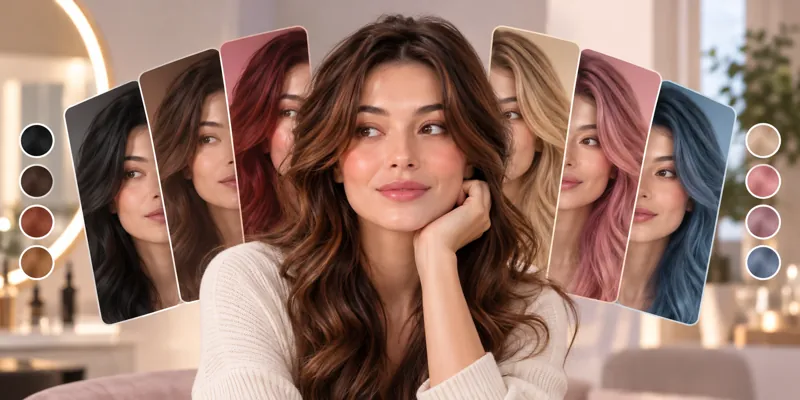
See it on your own face in three taps
- Add one selfie. Front on, even light, hair off your face. No account.
- Pick a cut, a color or a makeup look from 299 in the catalog.
- See it in seconds on your own face, then save it for your stylist.
12 free looks: 4 haircuts, 4 hair colors and 4 makeup looks. No paywall in between, no account.
Questions people ask
Is a virtual hair color app accurate?
Do I need to create an account to use a virtual hair color app?
Can a virtual hair color app tell me my skin undertone?
Does a virtual hair color app work on men's hairstyles too?
Read next
best ai hairstyle apps 2026
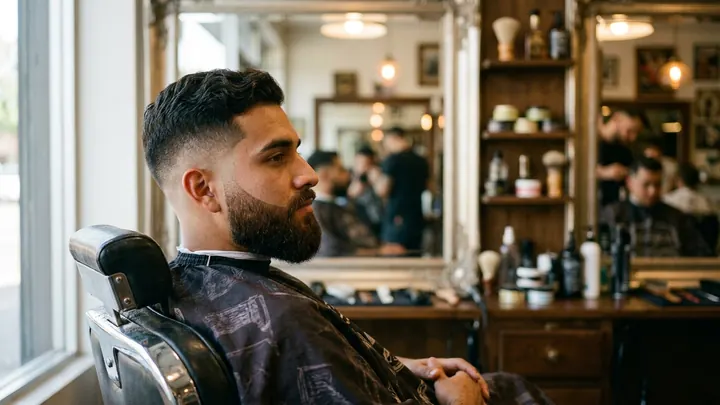
Hairstyle app for men: the ones that handle fades and beards
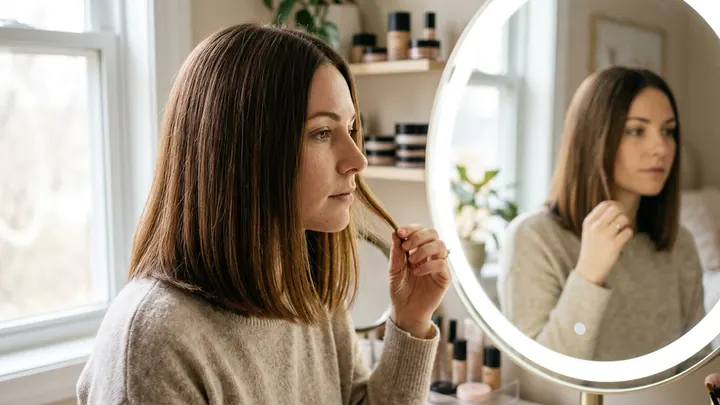
TheHairstyler alternative: apps that put the cut on your own face
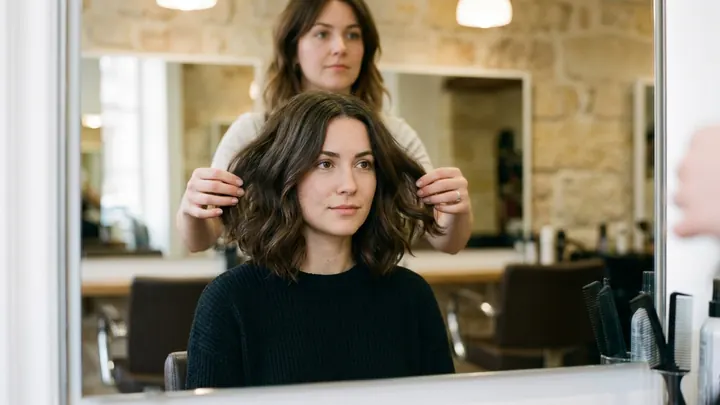
Virtual hairstyles free: what you actually get without paying
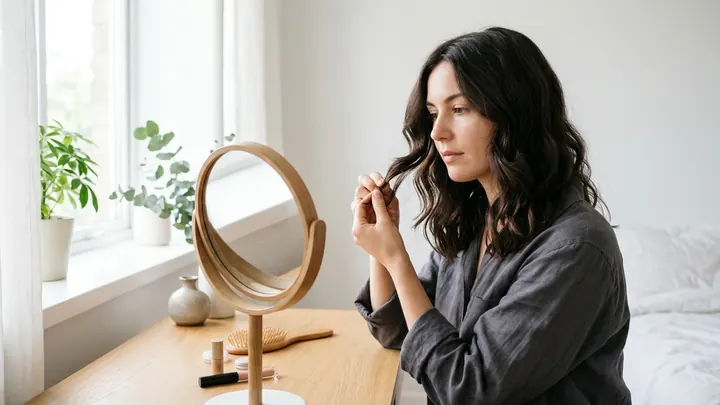
Free hair color app roundup: which ones render on your own photo