The best hairstyle app for men has one job that a generic filter app usually gets wrong: it has to render a fade as a fade, with a real line where skin meets hair, and it has to leave a beard alone unless you ask it to change. Tried a hair changer built mostly for long, loose styles. You already know the letdown. Skin fades come out as a gray smudge, buzzed sides look painted on, and the men's section of the catalog barely covers ten cuts. Here is what actually matters when you pick the best hairstyle app for men, and where HairGlam, the app this site is built around, fits into that picture.

See any cut or color on your own photo. Free to download, iPhone and iPad, iOS 15.1 or later.
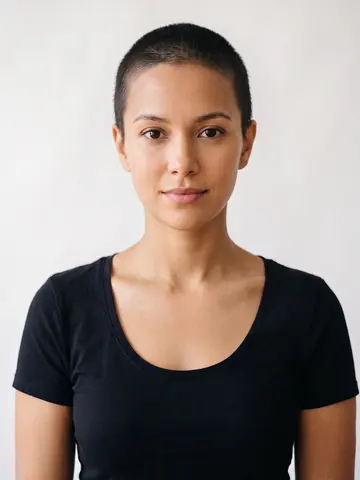 Buzz Cut
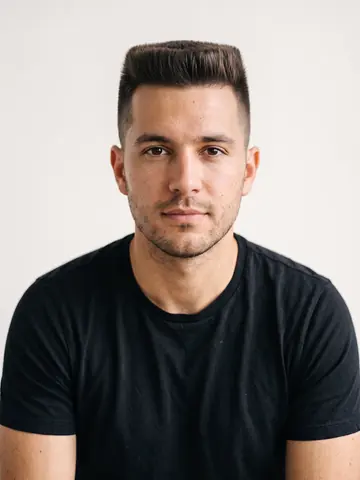 Flat Top
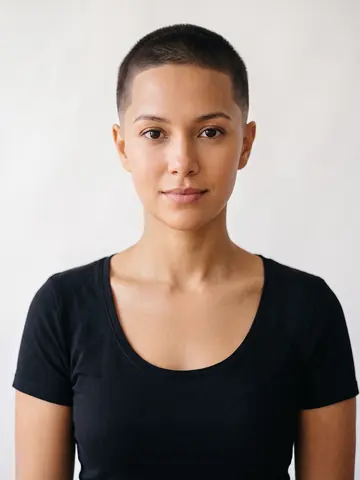 Buzz Cut Fade
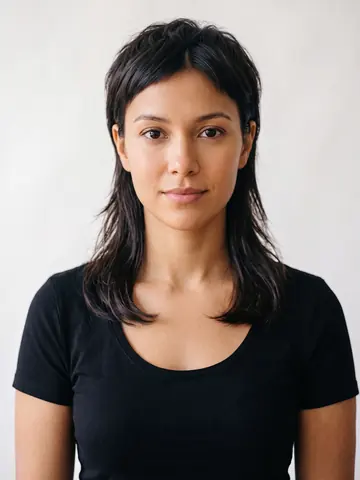 Mullet
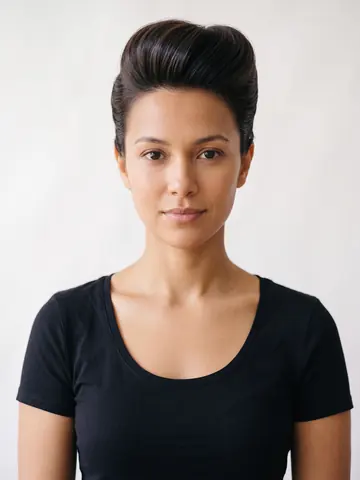 Pompadour
What the best hairstyle app for men needs to get right
Three things separate a useful hairstyle app for men from a toy filter.
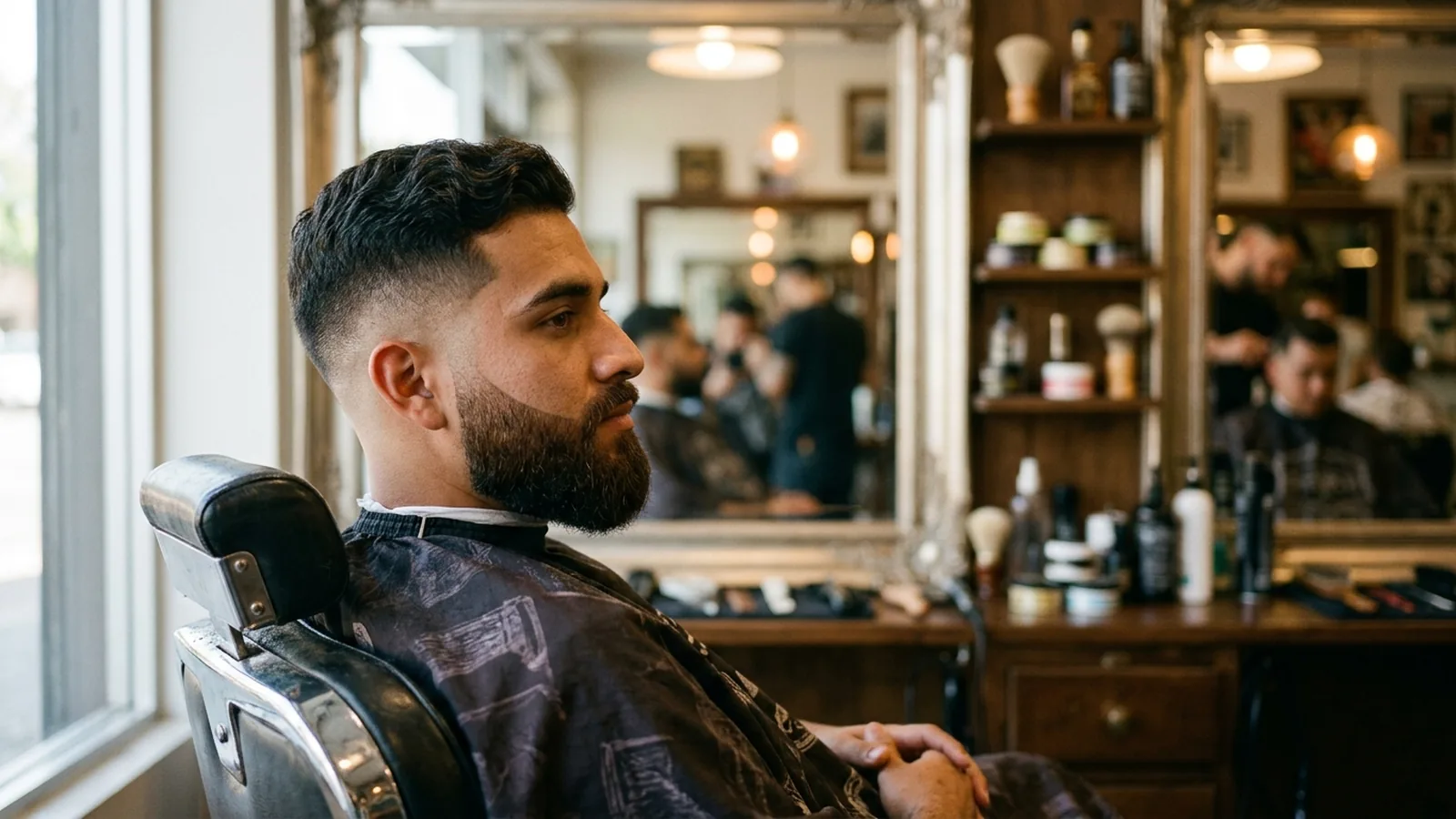
- A clean fade line. The gradient from skin to hair needs a visible edge, not a soft blur, or it will not read as clipper work.
- Beard handling. The app should apply the new hairstyle above the jaw and leave an existing beard untouched.
- A men's catalog with real depth. Short sides, textured tops, and undercuts need their own section, not a handful of styles borrowed from a longer-hair catalog.
If an app misses any one of these, the result will not look like something a barber could actually cut.
Where generic hair changer apps fall short
Most hairstyle changer apps started out serving long hair: waves, curls, and color changes on shoulder-length or longer photos. When a short men's cut gets pushed through that same engine, the render often rounds off the sharp line of a fade or a hard part, because the underlying model was tuned to smooth hair, not to draw a crisp edge against skin. The same weakness shows up with a buzz cut: an app built for length struggles to keep the top short and even, and you end up with something that looks fuzzier than a real clipper guard would leave.
Catalog depth is the other giveaway. Open the men's filter on an app that was clearly built around women's hair, and you will often find the same five or six generic short cuts repeated with tiny variations, none of them labeled by guard number, fade height, or texture.
Fades and short cuts: the hardest thing for any app to render
A fade lives or dies on one detail: the line where hair meets skin, and how gradually or sharply it happens. An app that treats hair as one flat color mass has no way to show that gradient, so it either paints the fade too soft, more like a shadow, or too hard, more like a swim cap.
Texture on top matters just as much. A flat top needs a crisp, level plane, while a buzz cut fade needs the top short and slightly textured with the sides tapering underneath. If an app renders every short style with the same generic gray patch, you cannot actually tell those two apart, which defeats the point of trying either one on first.
Beards: why the app should leave yours alone
A hairstyle change and a beard are two separate decisions, and a good app should treat them that way. If you upload a photo with a beard and choose a new haircut, the render should update the hair above your jawline and keep your beard exactly as it was in the photo. An app that reshapes, lightens, or removes a beard you did not ask to change is solving a problem you did not have, and it makes the whole preview less trustworthy, because now two things changed instead of one.
The men's catalog depth question
HairGlam's full catalog runs to 138 hairstyles, 125 hair colors and 36 makeup looks, and it includes a dedicated section built for men so cuts like mullets, pompadours, and skin fades sit next to each other instead of buried in a longer-hair list. If you just want to see men's cuts on your own photo rather than compare apps, the virtual hairstyles for men page shows the men's catalog, with a studio render of each look, before you decide which ones are worth trying on your own face.
Where HairGlam fits, and where it does not
This site is built by Viral Labs, the same team that makes HairGlam: AI Hairstyle Try On, so it is worth saying plainly: HairGlam is our own app, not a neutral outside pick. With that said, here is what it actually does. You take a photo or choose one from your library, pick a hairstyle, a hair color, or both, and the app renders that look onto your own photo in a few seconds, keeping your face, skin tone, and lighting as they are. It works on iPhone and iPad running iOS 15.1 or later, and it is not a website or a web app.
The app is free to download, and every new user gets a small free allowance, free hairstyle, hair color and beard looks to start, before HairGlam Pro is needed for unlimited use. Pro is an auto-renewing subscription billed weekly, monthly, or yearly, and you can cancel it any time in your App Store account settings. There is no account to create and no separate sign in.
See a fade on your own face in HairGlam
How to compare your options if you want alternatives
If you want to look past HairGlam, a few other tools are worth knowing about. TheHairStyler is a long-running browser-based try-on tool rather than a native phone app, so if you specifically want something you download and open with one tap, check whether a tool runs in a browser or as an app before you judge it against one that does. If you want free options with no catalog restrictions, our roundup of virtual hairstyle tools you can use for free covers a wider set. For the fuller list of AI hairstyle apps across platforms, see our best AI hairstyle apps roundup.
How to test any hairstyle app before your appointment
Before you trust any render, run a quick check.
- Upload a straight-on photo taken in even daylight, with your hair pushed back off your forehead.
- Try a specific cut by name, like a slicked back style or a razor textured crop, rather than a vague "short hair" filter.
- Try the same cut with your beard left in and compare it to a version without one, if the app supports both, to see whether the beard actually holds still.
- Save the result and bring it to your barber as a reference, not as a guarantee, since a render shows shape and color, not how your particular hair's texture will behave.
See it on your own face in three taps
- Add one selfie. Front on, even light, hair off your face. No account.
- Pick a cut, a color or a makeup look from 299 in the catalog.
- See it in seconds on your own face, then save it for your stylist.
Free hairstyle, hair color and makeup looks to start. No account needed.